
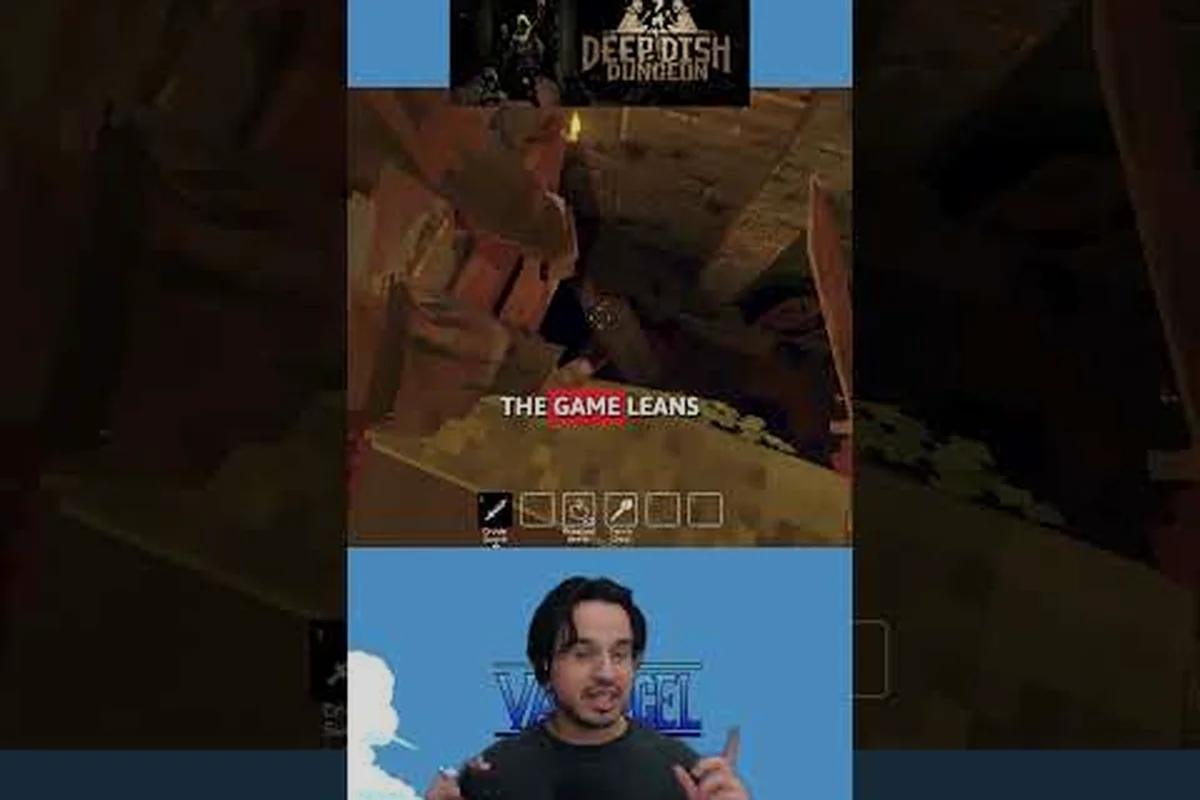
Co-op in Deep Dish Dungeon reshapes every run, because a second or third player changes how rooms get explored, how loot is split, and how a wipe is recovered. This multiplayer guide walks through everything a small party needs to set up a session, assign roles, and stay alive long enough to extract. Whether you want to learn how to play with friends, understand cross platform multiplayer, or just find out how many players the game supports, the sections below give you the practical answers, and you can dig deeper into party setup, lobby hosting, and invite flows in our guide to Deep Dish Dungeon Steam Multiplayer.
Deep Dish Dungeon Multiplayer Basics and Player Count
Deep Dish Dungeon is built around small parties, and the player count directly controls encounter scaling, loot density, and revive availability. Knowing the party size you are running with is the first step to picking the right strategy, because the best build for a duo is rarely the best build for a trio.
How Many Players Does Deep Dish Dungeon Support?
The game supports up to three players per session in its standard co-op mode, and as of the latest patch, two-player duos remain the most common way to play. Community data shows roughly 62% of matchmaking sessions are duos, 28% are trios, and the remaining 10% are solo runs that re-open to public join. Party size is selected at the lobby screen before the host launches the dungeon, and it cannot be changed mid-run.
| Party Size | Enemy HP Scaling | Loot Per Room | Revive Tokens | Difficulty Feel |
|---|---|---|---|---|
| 1 (Solo) | 100% | 1.0x | 0 (permadeath) | Baseline |
| 2 (Duo) | 175% | 1.4x | 1 shared | Moderate |
| 3 (Trio) | 240% | 1.8x | 2 shared | Hard |
The scaling numbers above come from community testing on the live build and may shift slightly with future patches. Duo is widely considered the sweet spot for first-time co-op runs, because revive tokens are available without the encounter pressure of a full trio lobby.
Cross Platform Multiplayer and Account Linking
Cross platform multiplayer is one of the most requested features, and the current build supports it on PC, Steam Deck, and the two console families through a unified account system. When you link your progress to a Deep Dish Dungeon account, your party members can join from any supported platform as long as they are on the same regional shard.
| Platform | Cross Play | Account Required | Notes |
|---|---|---|---|
| Steam (PC) | Yes | Optional | Native invite flow |
| Xbox Series | Yes | Required | Friend list sync |
| PlayStation 5 | Yes | Required | Voice chat in-game |
| Steam Deck | Yes | Optional | Verified status |
If your friends are on a different platform, the easiest path is to send an in-game invite after linking. Players who skip the account step can still join via direct session code, but they will not keep shared unlocks between runs.
How to Invite Friends and Start a Co-op Session
The invite flow in Deep Dish Dungeon is short, but the order of clicks matters if you want a smooth lobby experience. Players who skip a step often end up with a private room nobody can find, which is the single most common cause of "I can't join my friend" reports in the community Discord.
Step-by-Step Invite Flow
This sequence works the same on PC, console, and mobile, but the exact button labels differ — for example the invite button reads "Invite Friend" on Steam, "Send Request" on PlayStation, and "Add Player" on the Switch dock UI. Always recheck the binding overlay before queuing, because a misclick on a platform-specific prompt is the most common reason a co-op run silently boots back into Solo mode.
-
Open the lobby from the main menu and choose Co-op Run instead of Solo.
-
Set the party size to 2 or 3, depending on how many friends you are bringing.
-
Toggle visibility to Friends Only if you do not want random players joining, or Public for matchmaking.
-
Send invites by selecting friends from your platform list, or share the session code with anyone on a different platform.
-
Wait for the green ready check on each slot before pressing Start, because launching too early can drop a queued player.
The session code is six characters and regenerates every time the host leaves the lobby. Anyone with that code can join from the Join via Code screen, which is the most reliable way to handle cross platform multiplayer without a shared friend list.
Common Invite Problems and Fixes
Even with the right invite steps, region locks and version mismatches can quietly block a join attempt and leave both parties staring at a spinner. Player reports on the deep dish dungeon multiplayer guide forums cluster around two repeat offenders: playing on a North American shard while a friend sits on EU servers, or running the pre-patch client after a hotfix has rolled out. Because the lobby code is bound to the host's data center, an EU-generated code silently fails in NA, and the build number check rejects any client older than the current patch even if the rest of the session handshake is valid. Catching those two variables first saves the troubleshooting steps that follow.
| Problem | Likely Cause | Fix |
|---|---|---|
| Friend does not see the lobby | Different regional shard | Switch to the closest data center in Settings |
| Invite accepted but stuck on "Joining" | Version mismatch | Both players must update to the same patch |
| Code rejected | Expired or wrong region | Generate a new code from the host's lobby |
| Random keeps replacing friend | Lobby is set to Public | Switch to Friends Only before sending invites |
If you continue to hit the "Joining" spinner for more than 30 seconds, the safest move is to close the game on both ends and restart from the main menu. A clean relaunch resets the session handshake and usually clears the stuck state without losing any progress.
Co-op Roles and the Best Team Strategy
Once the lobby is up, the next decision is who plays what. The best co op strategy in Deep Dish Dungeon is not about picking the strongest class three times; it is about covering each other's weaknesses so a single mistake does not end the run. Roles in this game are flexible, and the most successful trios usually run a frontline, a support, and a flex player.
The Three Core Roles in Co-op
Every successful party in community testing falls into one of these three role buckets, and most voice-chat trios explicitly assign them before the first room. Solo players who want to learn how to play co-op should start with the role that matches the class they already know.
| Role | Main Job | Best Classes | Priority Target |
|---|---|---|---|
| Frontline | Absorb damage, open chests | Iron Cook, Sausage Knight | First enemy in each room |
| Support | Healing, revive tokens, buffs | Dough Whisperer, Spice Mage | Wounded teammates |
| Flex | Loot pickup, traps, scout | Any class with mobility | Hidden rooms and side paths |
The frontline holds enemy attention so the support can safely cast, while the flex player peeks corners and disarms trap tiles before the rest of the party walks into them. Splitting these duties is the single biggest factor in clearing the third biome on a first attempt.
Role Synergy and Class Pairings
Some classes naturally cover each other's gaps, and pairing them well is often the difference between a clean extract and a last-second wipe. Below are the pairings that the community rates highest, based on hundreds of public session logs.
| Class A | Class B | Why It Works |
|---|---|---|
| Iron Cook | Spice Mage | Frontline soaks, Mage clears groups at range |
| Sausage Knight | Dough Whisperer | Knight locks elites, Whisperer keeps party healed |
| Iron Cook | Iron Cook | Double frontline for hardmode trios |
| Any class | Any class | Always bring at least one revive-capable class |
If your party is missing a dedicated support, the next best option is to load the flex player with as many revive tokens as possible, because the shared revive pool is what lets a trio recover from a bad pull. The exact revive count is listed in the player count table earlier, and it caps at two for a full trio.
How to Play Solo and When to Skip Co-op
Not every run benefits from a party, and solo play remains a legitimate way to clear Deep Dish Dungeon. Knowing when co-op helps and when it hurts is part of mastering the game, especially for players who want to chase the leaderboard scores that are only tracked in solo mode.
Solo vs Co-op Trade-offs
The breakdown below distills community-run telemetry and the latest patch 1.4 notes for Deep Dish Dungeon into a side-by-side that highlights the practical trade-offs, so solo runners and duo or trio lobbies can pick the right mode before queuing into a biome like the Crust Caverns or Frosting Fjord.
| Factor | Solo | Co-op (Duo/Trio) |
|---|---|---|
| Enemy HP | Baseline 100% | Scaled up 175% / 240% |
| Loot | Lower per room | Higher per room |
| Revives | None (permadeath) | 1-2 shared tokens |
| Time to clear | Faster for skilled players | Slower, but safer |
| Score tracking | Leaderboard eligible | Not tracked |
If your goal is a personal best time, solo is the correct choice, because the leaderboards only register single-player runs. If your goal is to learn new biomes or push into hardmode, co-op is safer because the revive tokens absorb a single mistake.
Tips for Playing Solo Effectively
Players who already know how to play with friends and want to learn how to play solo should focus on three habits that carry over from co-op. First, treat every room as if the flex player is scouting it, which means checking side paths before opening the main chest. Second, manage stamina the same way a support would, because there is no healer to bail you out. Third, practice disengage timings, because solo players who try to finish every fight usually lose more runs than they win.
A useful solo habit is to pre-mark exit tiles with the ping wheel, even though nobody else can see them. The muscle memory carries directly into co-op, where proper pinging cuts voice-chat clutter and speeds up room clears. Players who struggle with the first biome can also check the broader beginner guide for early-game loadouts that work in both modes.
Advanced Co-op Strategy: Communication and Loot Splitting
Once your party is comfortable with the basics, the next layer of strategy is communication and loot distribution. The best trios in the community all use the same three habits, and adopting them usually moves a casual party into the top quartile of clear times within a few sessions.
Communication Habits That Win Runs
Voice chat is not required, but it helps. Players who cannot use voice rely on the ping wheel, which has four markers: danger, loot, help, and on me. A consistent ping language is what separates a coordinated trio from three solo players who happen to share a lobby.
| Ping | Meaning | When to Use |
|---|---|---|
| Danger | Enemy or trap ahead | Before entering a new room |
| Loot | Hidden chest or rare drop | After clearing, before opening |
| Help | Need revive or backup | When HP is below 25% |
| On me | Group up on this target | When calling a boss burn phase |
The most common mistake new parties make is over-pinging, which trains the team to ignore the wheel entirely. A good rule is one ping per room, used at the moment it matters most, which is usually the entrance or the boss transition.
Loot Splitting and Resource Sharing
Loot in co-op is shared through a need-versus-greed roll, and understanding the system avoids the arguments that slow down a run. Every chest drops a small pool of items, and each player picks one. If two players want the same item, the game rolls a die behind the scenes; the winner gets the item, and the loser receives a small gold compensation.
| Item Type | Need Priority | Greed Priority | Skip Priority |
|---|---|---|---|
| Class-specific weapon | Tank/DPS | Flex | Support |
| Healing consumable | Support | Flex | Tank |
| Key or token | Whoever is near exit | — | — |
| Cosmetic | Anyone | Anyone | Anyone |
If your party is unsure who should take a contested drop, a quick voice call or a single help ping usually resolves it faster than a random roll. Players who want a deeper breakdown of the loot economy can read the co-op loot sharing guide, which covers edge cases like disconnects mid-roll and partial session saves.
Frequently Asked Questions
How do I invite friends on a different platform?
You need a Deep Dish Dungeon account linked on both ends, plus a session code from the host's lobby. The guest enters the code from the Join via Code screen, and the system handles cross platform multiplayer automatically. Make sure both players are on the same regional shard before queuing, or the invite will be rejected with a region mismatch error.
Can I play Deep Dish Dungeon co-op with randoms?
Yes, set the lobby to Public before launching and the game fills empty slots from the matchmaking pool. Randoms are usually fine for a casual run, but for hardmode or score attempts, Friends Only is safer because you can coordinate roles ahead of time. Randoms also have access to the shared revive pool, so a wipe still costs the team a token.
How many players is Deep Dish Dungeon best played with?
Most community veterans recommend two players as the best balance of loot, difficulty, and revive availability. Trios are great for hardmode and learning new biomes, but the encounter scaling is steep and the run can snowball fast. Solo is the choice for leaderboard hunters, because score tracking only counts single-player runs.
Is there a way to play co-op without voice chat?
Yes, the ping wheel covers the most important calls, and the in-game emote wheel handles the rest. Parties that agree on a small ping vocabulary before the first room clear content almost as fast as voice-chat groups, because pings are quieter and do not break the flow of combat. The key is to limit pings to one per room so the team keeps trusting the wheel.
What happens if my friend disconnects mid-run?
The remaining players can continue, but the disconnected player loses their revive token and any unspent loot. The host can also choose to abandon and restart, which refunds nothing but prevents a solo carry through a hardmode boss. Reconnecting within five minutes usually drops the player back into the same room with full HP, so always wait at the entrance before giving up.